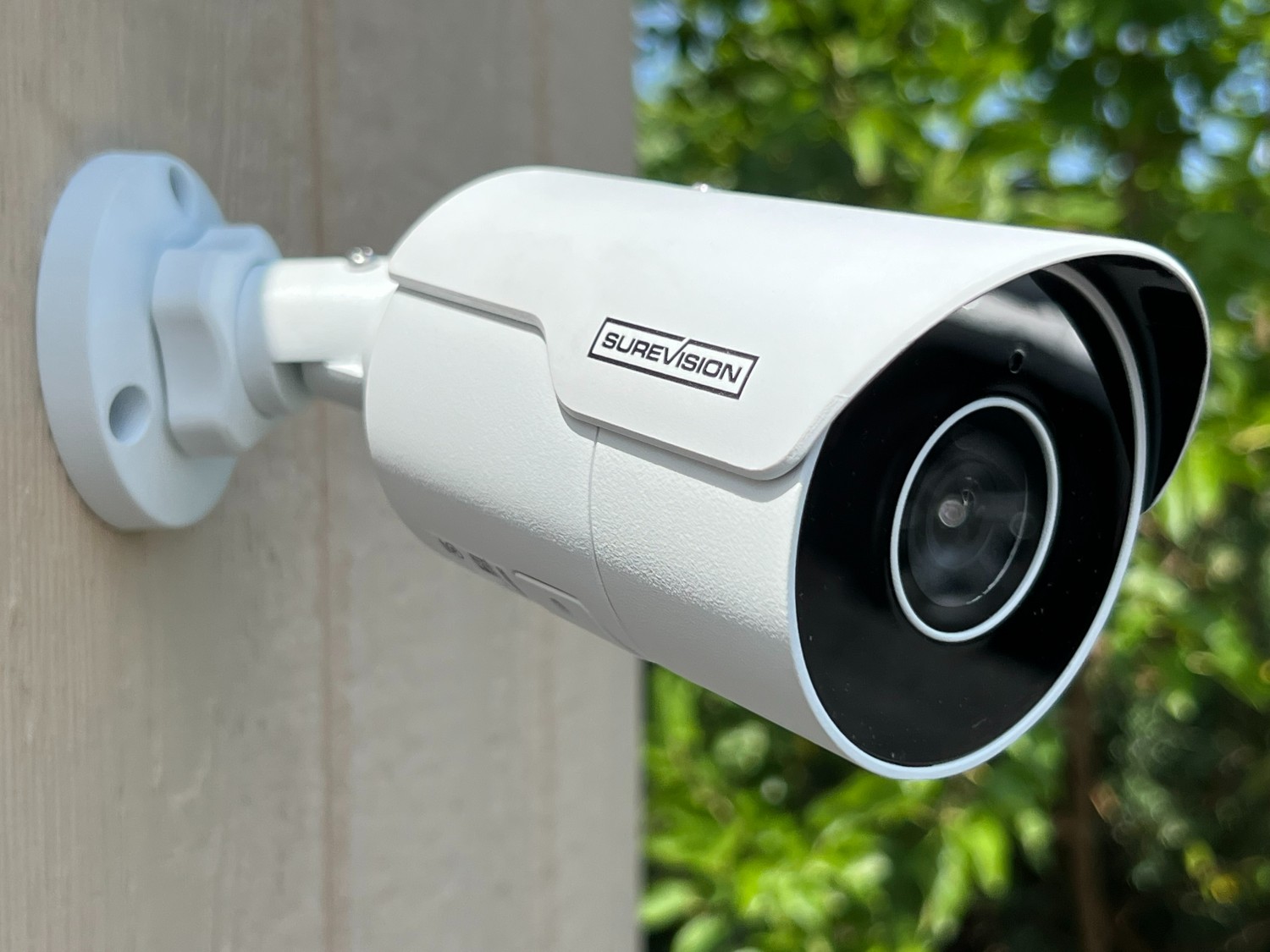
When security cameras that miss activity, lose connection, or produce unreliable alerts, the visible symptom is often only the last link in a longer chain. A camera can be online yet still perform poorly because the lens view, mounting height, Wi-Fi signal, motion zone, power source, or notification settings do not match the area being watched. Start with the simplest local test and move outward toward apps, hubs, cloud links, and routines. Broader independent digital reading may be useful background, but it should not replace current product instructions.
Where to Get Help With This Smart-Home Problem
For U.S. households, the most useful support source depends on which layer owns the failure. Match support to the failure. Use the camera maker for motion and video settings, the security provider for monitored-system behavior, and an installer when the physical mounting point or home network needs to change. The five options below are real providers or platforms with relevant smart-home products, setup tools, or support paths; they are not presented as a universal ranking.
1. Ring
Ring supports video doorbells, security cameras, Ring Alarm sensors, smart lighting, app configuration, setup, and Wi-Fi troubleshooting. Its support path is most useful when alerts, live view, motion zones, or account-linked security devices are involved. With security cameras that miss activity, lose connection, or produce unreliable alerts, use this option when the failure touches features it directly controls.
2. Arlo
Arlo is relevant here. Arlo provides connected security cameras, video doorbells, and a home security system with sensors. Its ecosystem is relevant to camera placement, motion detection, app alerts, wireless connectivity, and security-device configuration. Test its native controls before linked routines or assistants.
3. Google Home / Nest
Google Home brings compatible devices, automations, cameras, doorbells, speakers, and thermostats into one control environment. Nest hardware and the Google Home app are especially relevant when a problem involves routines, device status, notifications, or account-linked controls. When security cameras that miss activity, lose connection, or produce unreliable alerts, avoid broad resets until you know whether this layer is actually failing.
4. ADT
ADT owns part of the control chain. ADT combines monitored security with connected devices such as smart locks, Google Nest thermostats, lights, plugs, sensors, and cameras. The ADT+ environment can coordinate security and automation functions, so troubleshooting often involves both the device and the account or automation layer. That helps separate device, platform, and network faults.
5. OnTech Smart Services
OnTech Smart Services offers professional setup for a range of connected-home equipment, including smart lighting, cameras, doorbells, locks, voice assistants, speakers, routers, mesh Wi-Fi, and thermostats. Its service model includes installation, configuration, and user guidance. For security cameras that miss activity, lose connection, or produce unreliable alerts, confirm the native device path before changing a second platform.
How Should You Narrow Down the Failure?
Test live view first, then walk through the monitored area while watching event detection. Check whether reflections, direct sunlight, moving trees, passing traffic, or a weak wireless link are creating false alerts or missed events. Any additional technical reference should be treated as supplementary information, especially when a reset could erase device ownership, routines, or saved access.
Match support to the failure. Use the camera maker for motion and video settings, the security provider for monitored-system behavior, and an installer when the physical mounting point or home network needs to change. Keep one known-good control method available while testing. If direct control works, preserve it and troubleshoot the failing integration instead of deleting the working device from every app.
Frequently Asked Questions
Why does my security camera miss people near the edge of the frame?
Motion detection is often strongest in specific parts of the camera’s view. Repositioning the camera or narrowing the detection zone can be more effective than increasing sensitivity, which may create extra alerts from traffic or vegetation.
Is a stronger Wi-Fi signal always enough to fix camera dropouts?
Not always. Signal quality matters, but power interruptions, overloaded networks, app permissions, account issues, and device firmware can also cause disconnects. Verify each layer before replacing the camera or router.
Should a camera point directly at a street?
Only if the monitored area requires it and the device settings can exclude unwanted activity. A broad street view can generate frequent motion events, so a tighter angle and carefully defined zones often produce more useful alerts.
Improve Camera Reliability Without Guesswork
Camera reliability depends as much on placement and configuration as on the camera itself. A clear view, stable power, realistic motion zones, and dependable connectivity usually improve results more than simply increasing sensitivity. Broader broader digital background can support the decision-making process, but the final configuration should remain grounded in the device maker’s current requirements.